

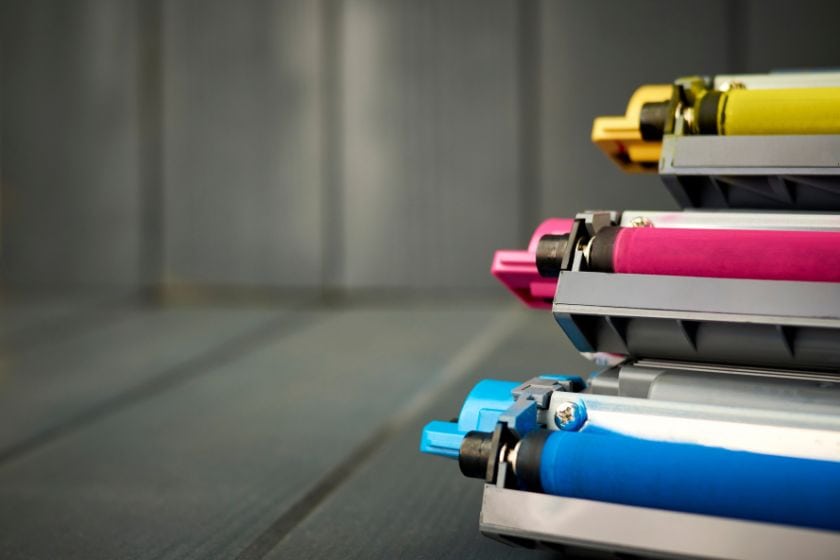
 If you’re a printer owner, the recurring task of replacing toner cartridges is likely familiar. However, have you ever wondered what the life expectancy of toner is? Does laser toner have a finite expiration date, and can you prolong its usability? This article delves into these queries, offering valuable insights to optimize your printer toner’s performance.
-
 Afinia LT5C Yellow Toner Cartridge SKU: 36166$220.38
FREE SHIPPING over $199*
Orders before 12PM EST usually Ship Same Business Day -
 Afinia LT5C Magenta Toner Cartridge SKU: 36173$220.38
FREE SHIPPING over $199*
Orders before 12PM EST usually Ship Same Business Day -
 Afinia LT5C Cyan Toner Cartridge SKU: 36180$220.38
FREE SHIPPING over $199*
Orders before 12PM EST usually Ship Same Business Day
What is Toner?
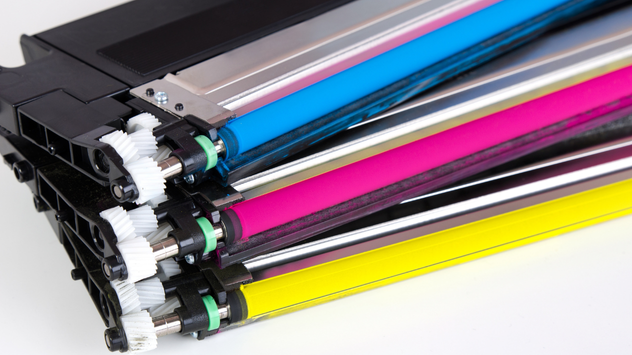
Before we delve into the durability of printer toner, let’s grasp the essence of toner itself. Toner is a finely powdered substance used in laser printers and photocopiers to imprint text and graphics onto paper. This substance plays a pivotal role in printing, facilitating the transfer of text and graphics onto paper via an electrostatic mechanism.
Laser printers feature a drum unit coated with a photosensitive material. Laser toner is attracted to charged regions on the drum, eventually finding its way onto the paper, where heat is used to fuse it. This meticulous process is responsible for the high-quality prints synonymous with laser printers.
Does Toner Expire?
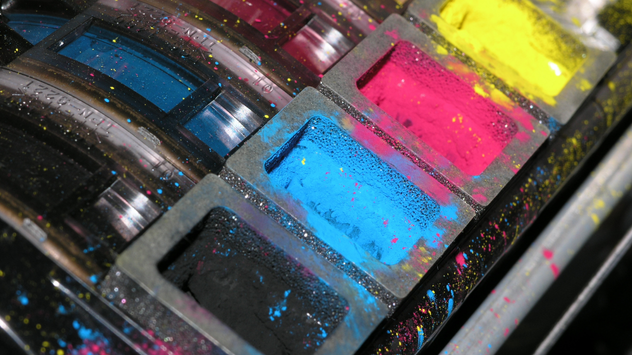
Indeed, does toner expire? Yes, printer toner does have an expiration date. A manufacturer-determined shelf life is stamped on toner cartridges; this date is not there for promotional reasons only. Toner cartridges house delicate components susceptible to degradation over time, leading to a decline in print quality.
The expiration date considers multiple factors, including the type of toner, the materials used in the cartridge, and the storage conditions. Toner cartridges are engineered to deliver peak performance within a specific timeframe. Therefore, using toner past its expiration date can result in subpar prints and potentially harm your printer.
Toner Shelf Life – Is There a Way to Extend It?
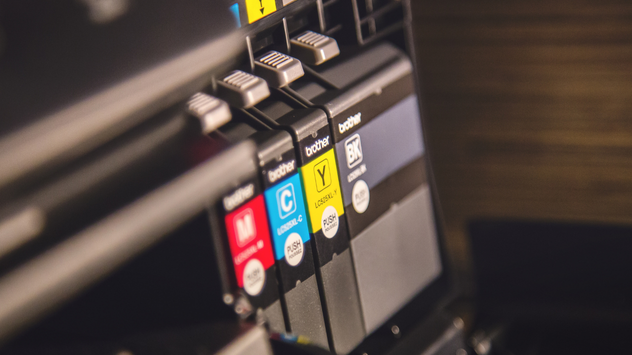
The shelf life of printer toner can fluctuate based on the brand and type of toner. Typically, toner cartridges retain their usability for approximately 2 to 3 years. Nevertheless, several measures can be adopted to prolong the shelf life of your toner, ensuring the finest possible printouts:
Proper Storage: The environment in which you store your toner cartridges significantly influences their lifespan. To ensure optimal storage, the location must be dry, shielded from direct sunlight, and away from extreme temperatures. Elevated heat and humidity levels can lead to toner clumping and deterioration, culminating in unsatisfactory print quality.
Original Packaging: For those not planning immediate use of the toner cartridge, it’s advisable to keep it in its original packaging. Using this packaging, you can ensure that the toner will be safe from external factors that could compromise its quality.
Shake Before Use: Extended periods of inactivity may cause toner to settle and form clumps. Before installing the cartridge, a gentle side-to-side shake helps evenly distribute the toner.
Regular Usage: Employ your printer and its toner cartridges regularly. Printing a few pages each week can prevent toner from settling and enhance overall print quality.
Timely Replacement: Avoid the temptation to stretch the life of a toner cartridge beyond its expiration date. Employing expired toner may lead to subpar prints and potential printer damage. Replacing the cartridge with a fresh one guarantees peak performance.
-
 Afinia LT5C White Toner Cartridge SKU: 36194$306.48
FREE SHIPPING over $199*
Orders before 12PM EST usually Ship Same Business Day -
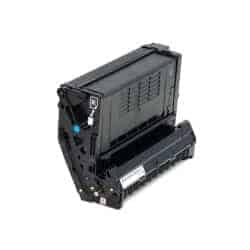 Afinia LT5C Black Toner Cartridge SKU: 36187$220.38
FREE SHIPPING over $199*
Orders before 12PM EST usually Ship Same Business Day -
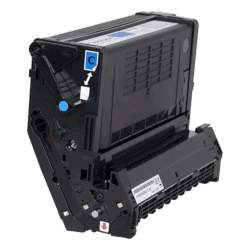 QuickLabel QL-300 TNR300-C Cyan Toner Cartridge SKU: 14880005$203.00
FREE SHIPPING over $199*
Orders before 12PM EST usually Ship Same Business Day
Keep It Clean
In addition to proper toner storage, ensuring the cleanliness of your printer can contribute significantly to the longevity of toner cartridges. It is possible for dust and debris to accumulate within the printer and cause problems with print quality and toner transfer. Consistently clean your printer’s interior, including the paper path and toner cartridge area, to ensure clean and crisp printouts.
Learn Your Printer Settings
Printers come equipped with various settings capable of exerting a considerable impact on the final output. Familiarizing yourself with these settings can drastically enhance print quality. To help you choose the right printer settings, here are a few suggestions:
Print Quality: Printers offer a variety of print quality settings. Among them are “Draft,” “Normal,” and “High Quality.” While the “Draft” mode may conserve ink or toner, it may produce lighter prints with less defined text. In contrast, “High Quality” mode delivers sharper images and text but might consume more toner.
Paper Type: Selecting the appropriate paper type is pivotal to achieving optimal print results. Various paper types possess varying absorbency levels, and an erroneous setting can lead to ink or toner smudging or inadequate adherence to the paper.
Color Management: Color prints require an understanding of color management settings. It may be necessary to choose between colored profiles such as RGB (red, green, and blue) or CMYK (Cyan, Magenta, Yellow, Key/Black) depending on your content source.
Page Layout and Sizing: Tailoring page layout and sizing settings guarantees proper content fit on the paper. Select the correct paper size and orientation to avoid truncated images or excessive white space.
-
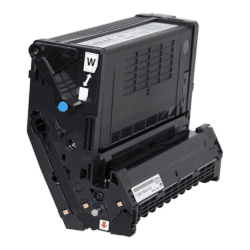 QuickLabel QL-300s TNR300-W White Toner Cartridge SKU: 14880001$276.00
FREE SHIPPING over $199*
Orders before 12PM EST usually Ship Same Business Day -
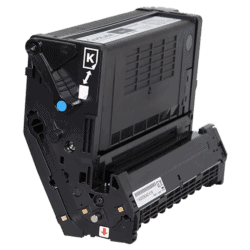 QuickLabel QL-300 TNR300-K Black Toner Cartridge SKU: 14880002$203.00
FREE SHIPPING over $199*
Orders before 12PM EST usually Ship Same Business Day -
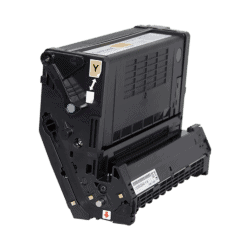 QuickLabel QL-300 TNR300-Y Yellow Toner Cartridge SKU: 14880003$203.00
FREE SHIPPING over $199*
Orders before 12PM EST usually Ship Same Business Day
Toner Storage
Appropriate toner storage is pivotal in preserving the quality and longevity of your printer’s output. Toner cartridges are sensitive to environmental conditions, and adherence to correct storage practices can prevent toner clumping and degradation. Here’s how to store your toner properly:
Temperature and Humidity: House your toner cartridges in a relaxed, dry environment, shielded from direct sunlight and abrupt temperature swings. High heat and humidity levels can trigger toner clumping, compromising print quality.
Original Packaging: If you have spare toner cartridges, maintain them in their original packaging until they’re ready. This packaging protects against light exposure, moisture, and other factors detrimental to toner quality.
Vertical Orientation: Store your toner cartridges upright to prevent toner from settling and clumping inside the cartridge. Before installation, gently rock the cartridge from side to side to ensure even toner distribution.
Give It a Good Shake
The “shake technique” offers a straightforward yet practical approach to ensuring uniform toner distribution within the cartridge. Over time, toner particles may settle or cluster, resulting in uneven printing and streaking. Here’s a step-by-step guide to giving your toner cartridge a thorough shake:
Cartridge Removal: Carefully extract the toner cartridge from your printer, consulting your printer’s manual for guidance on proper removal.
Gentle Shaking: Hold the toner cartridge horizontally and gently sway it back and forth. This motion serves to redistribute toner particles, preventing clumping.
Avoid Aggressive Shaking: While shaking is beneficial, refrain from vigorous or aggressive movements. Gentle rocking suffices to achieve the desired outcome without causing damage.
Reinstall and Print:
- Reinstall the toner cartridge in your printer after shaking it.
- Execute a test print to assess whether print quality has improved.
- Expect more consistent and uniform printing, thanks to the evenly distributed toner particles.
Laser Printers (Toner) Vs. Inkjet Printers (Ink) for Infrequent Use
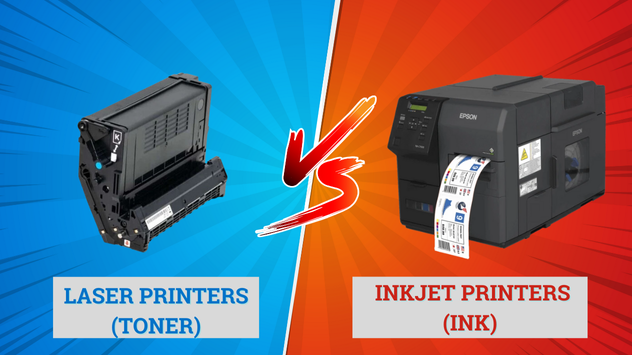
Printers with laser toner are ideal for individuals who print infrequently. Toner cartridges contain dry powder, rendering them less susceptible to drying out than inkjet ink. This means that even during prolonged periods of printer inactivity, the toner retains its viability, ensuring consistent print quality when you do print. Furthermore, laser printers are swifter and more cost-effective for high-volume printing, making them an ideal choice for sporadic use.
Inkjet Printers (Ink): Inkjet printers offer versatility and commendable print quality, especially for color prints and photographs. However, ink cartridges can dry over time, resulting in clogged print heads and diminished print quality. For users who infrequently print, inkjet printers may necessitate more maintenance, such as regular nozzle cleaning, to maintain peak performance.
How Many Pages Per Toner Cartridge Can I Print?
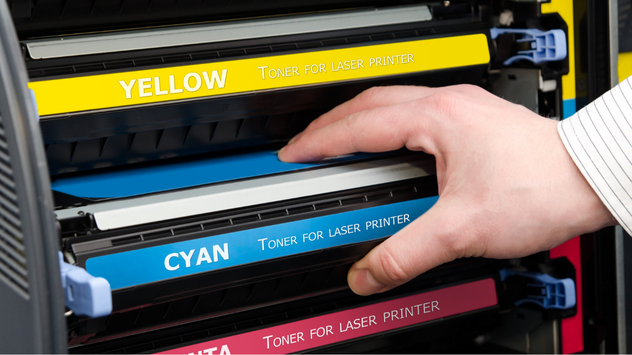
The number of pages you can generate with a toner cartridge hinges on diverse factors, including the printer model, document type, and print quality settings. Generally, laser printers outperform inkjet printers in terms of page yield. A standard toner cartridge typically yields approximately 1,000 to 3,000 pages, while high-capacity cartridges can extend this capacity further.
In Conclusion
For individuals with sporadic printing needs, a laser printer outfitted with toner cartridges is often the pragmatic choice. The dry powder composition of toner inhibits drying out, guaranteeing consistent print quality even during printer dormancy. Laser printers also prove efficient for occasional, high-volume printing.
In contrast, inkjet printers excel in color printing and versatility yet may require heightened maintenance efforts. For users who print infrequently, this may lead to lower print quality due to dried-out ink. Therefore, when selecting the printer that suits your preferences, carefully ponder your specific printing requirements and usage patterns.
Related Articles

